Embroidery shops and production teams often send artwork to remote digitizers. This embroidery digitizing checklist helps you provide complete, embroidery-ready artwork so your digitizing quality is consistent and stitch-ready files are delivered without revisions. The problem occurs when details are incomplete or unclear. This leads to revisions, delays, and inconsistent sew-outs. Clear input results in clean output. This guide explains exactly what to send, why it matters, and how to avoid issues.
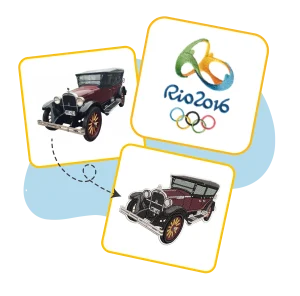
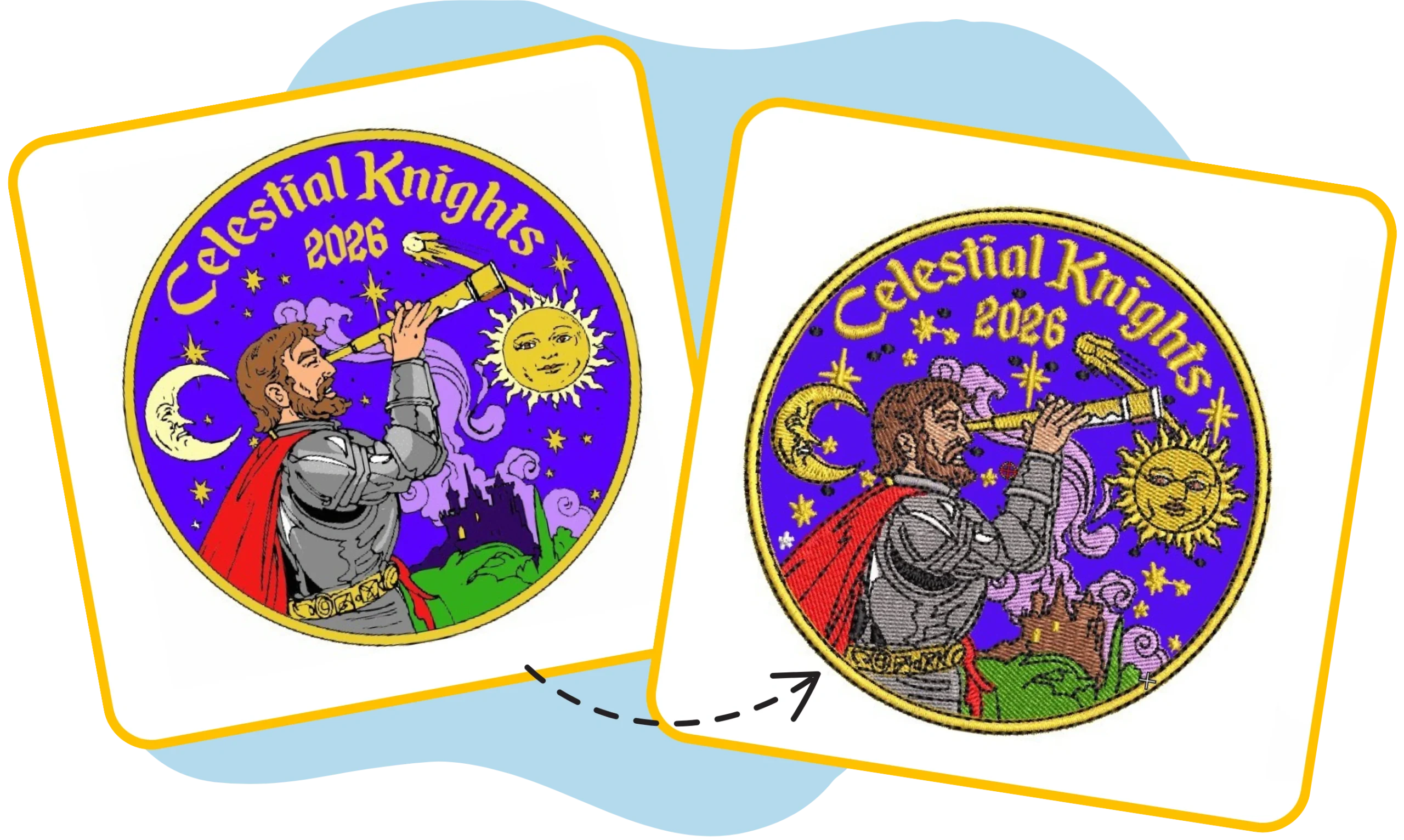
Great embroidery begins with clean artwork. Sending a clear vector or high resolution PNGs, outline fonts, and avoid shadows or gradients make a professional designs always stitch best.
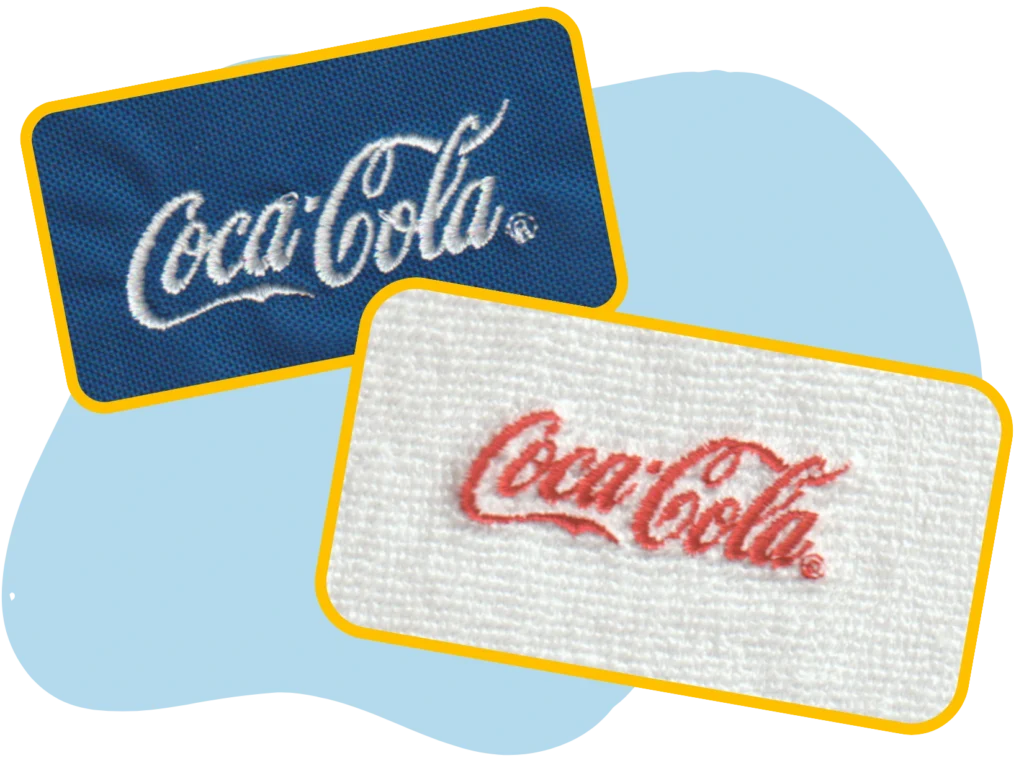
The same digitized file stitches differently on each material because of stretch, texture, and seams. Share the garment type so we can adjust underlay, density, and stitch settings for a clean, perfect sew-out.
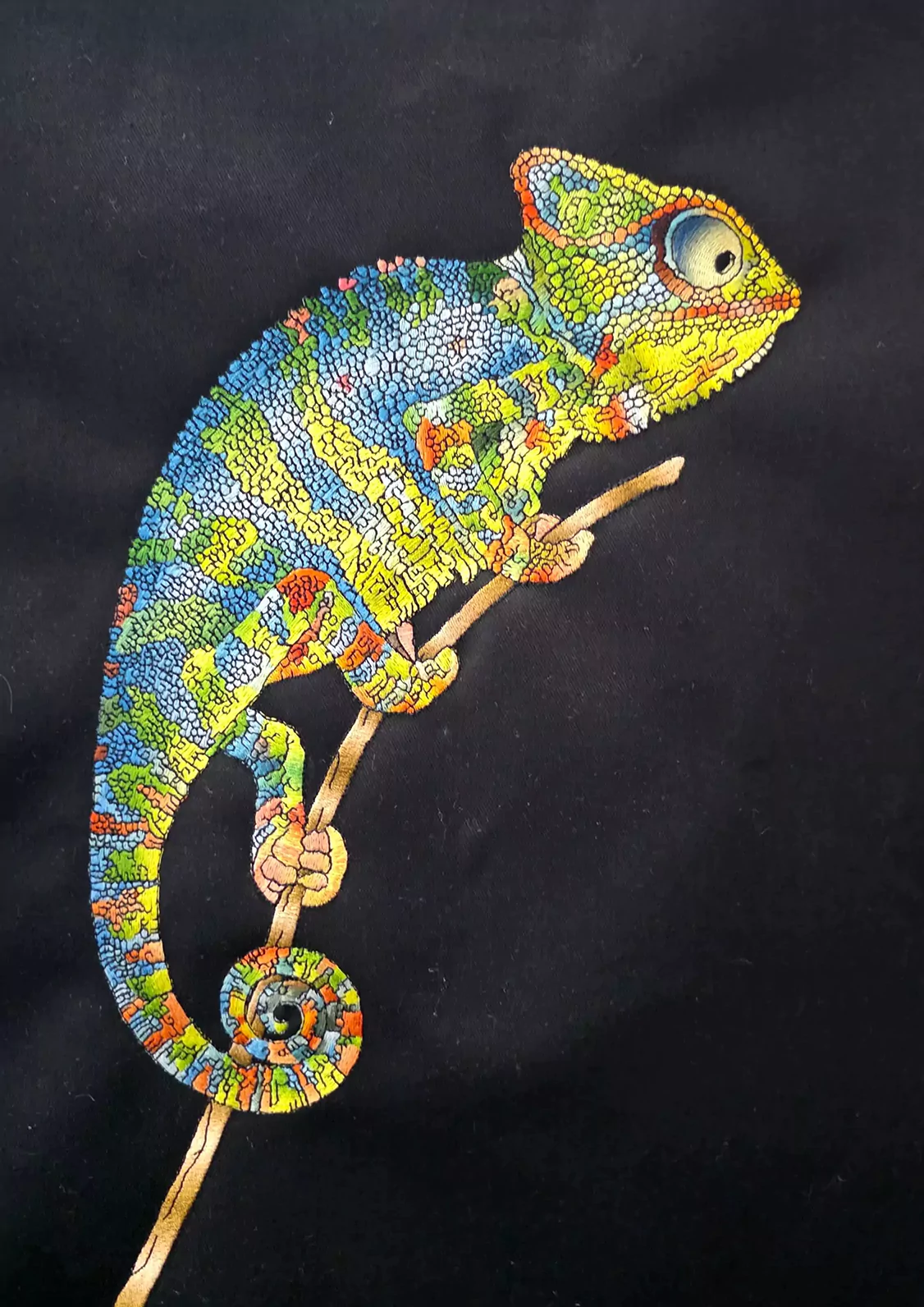
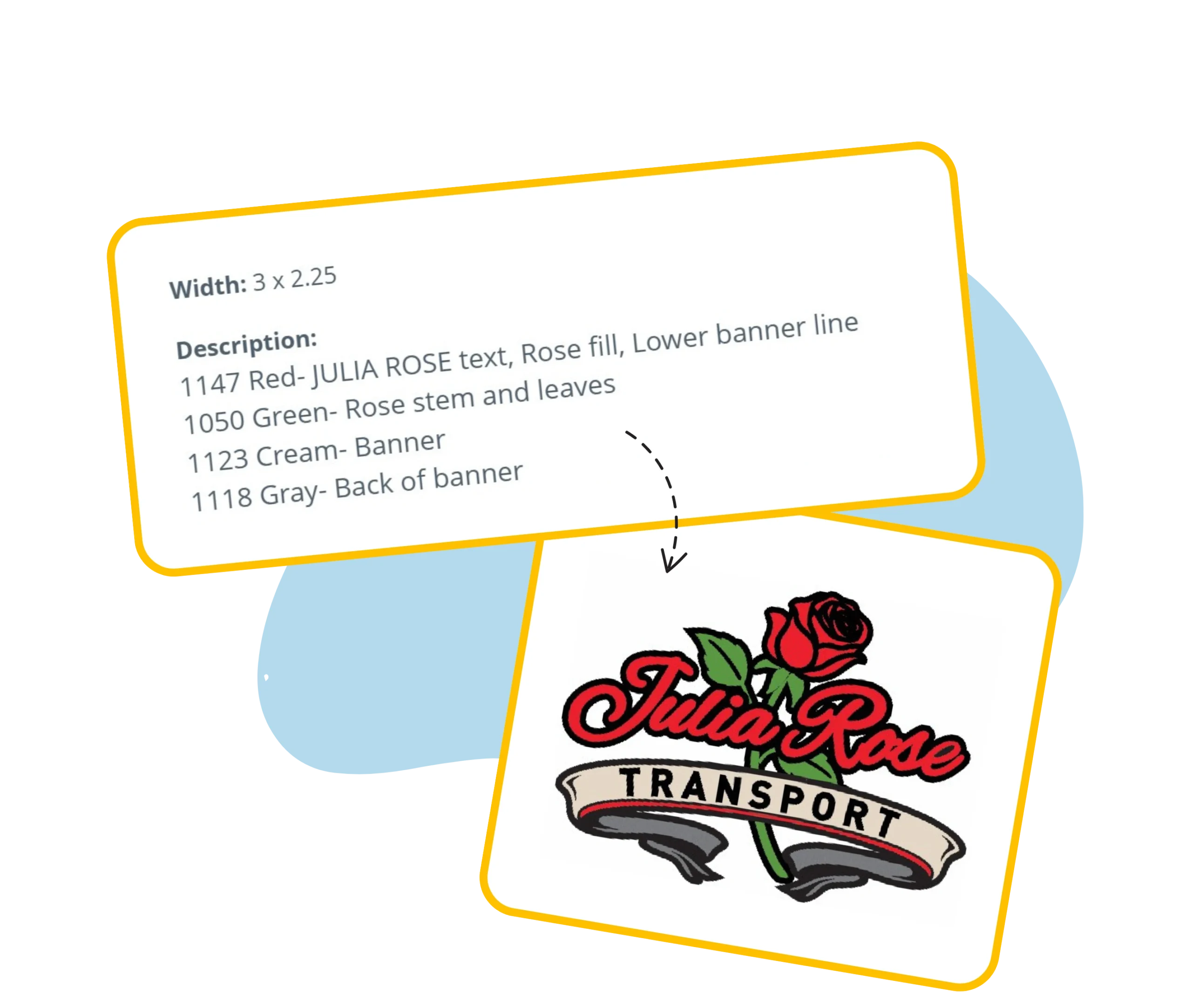
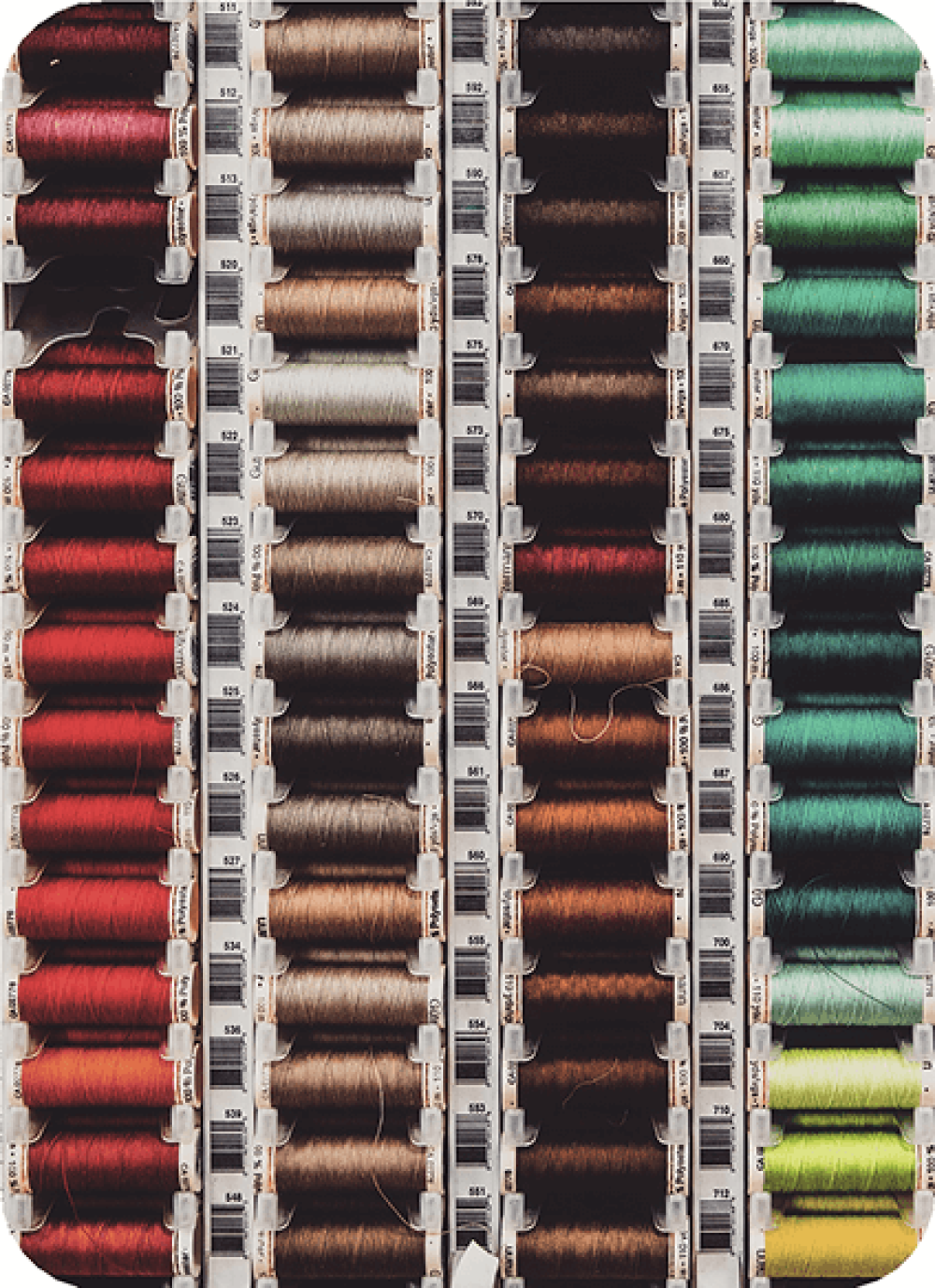
Choosing the right colors and understanding the color how it blends and creates depth that can proceed a simple design into something memorable.
Clean artwork produces clean sew-outs. High-quality source files reduce revisions and speed up turnaround.
Tips: Sign Digitizing can enhance or re-vectorize your artwork so it becomes stitch-ready.
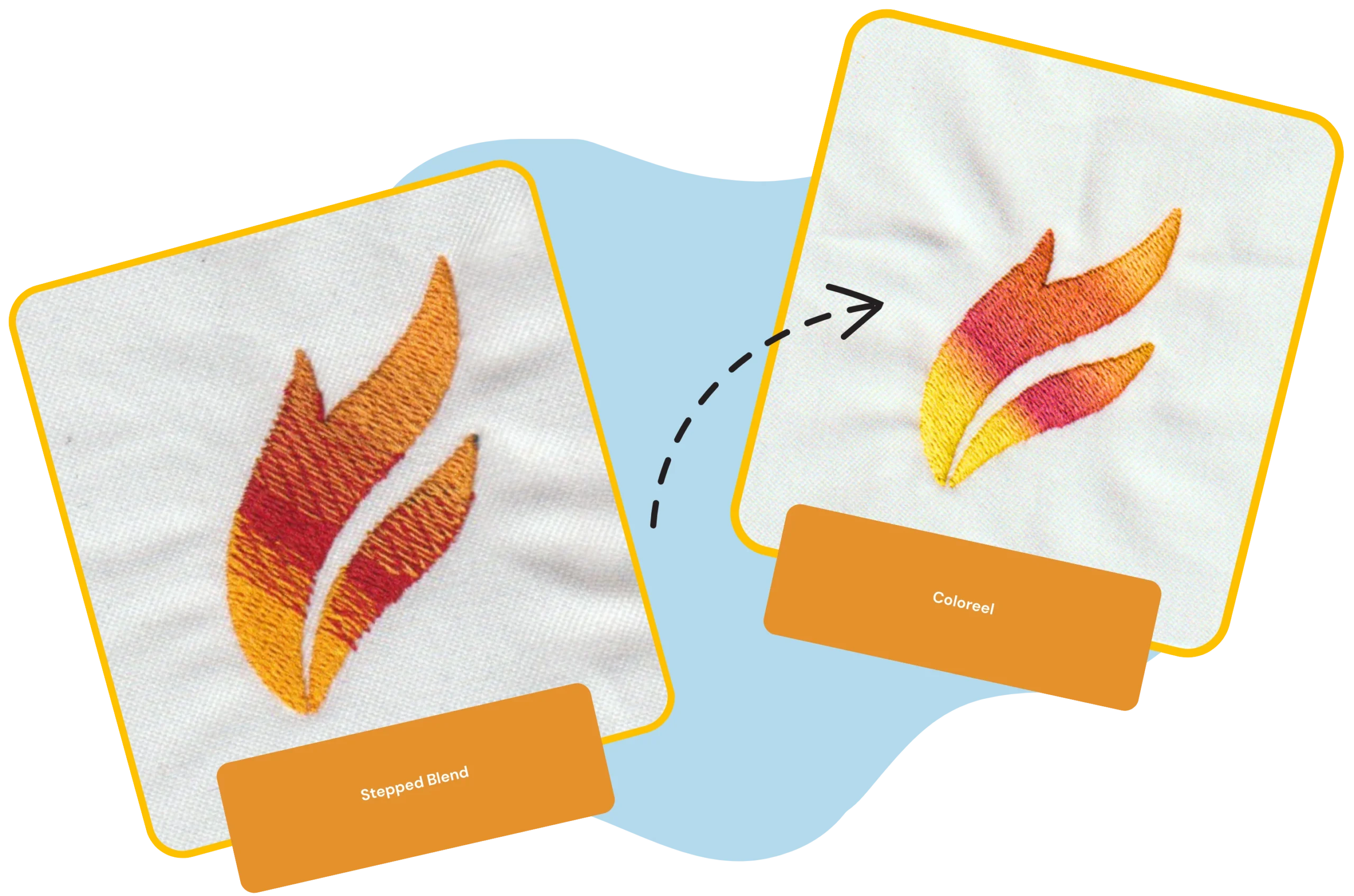
Coloreel is a revolutionary embroidery technology that allows a single white thread to be instantly dyed into any color – including gradients and multi-color effects. This innovation removes traditional thread color limitations, reduces thread changes, and speeds up production, all while producing vibrant, high-quality embroidery.
At Sign Digitizing, we embrace this breakthrough technology by offering specialized Coloreel digitizing services. Our expert team creates machine-ready files optimized to take full advantage of Coloreel’s ability to deliver seamless color transitions, gradients, and artistic effects – giving your embroidery a modern edge.
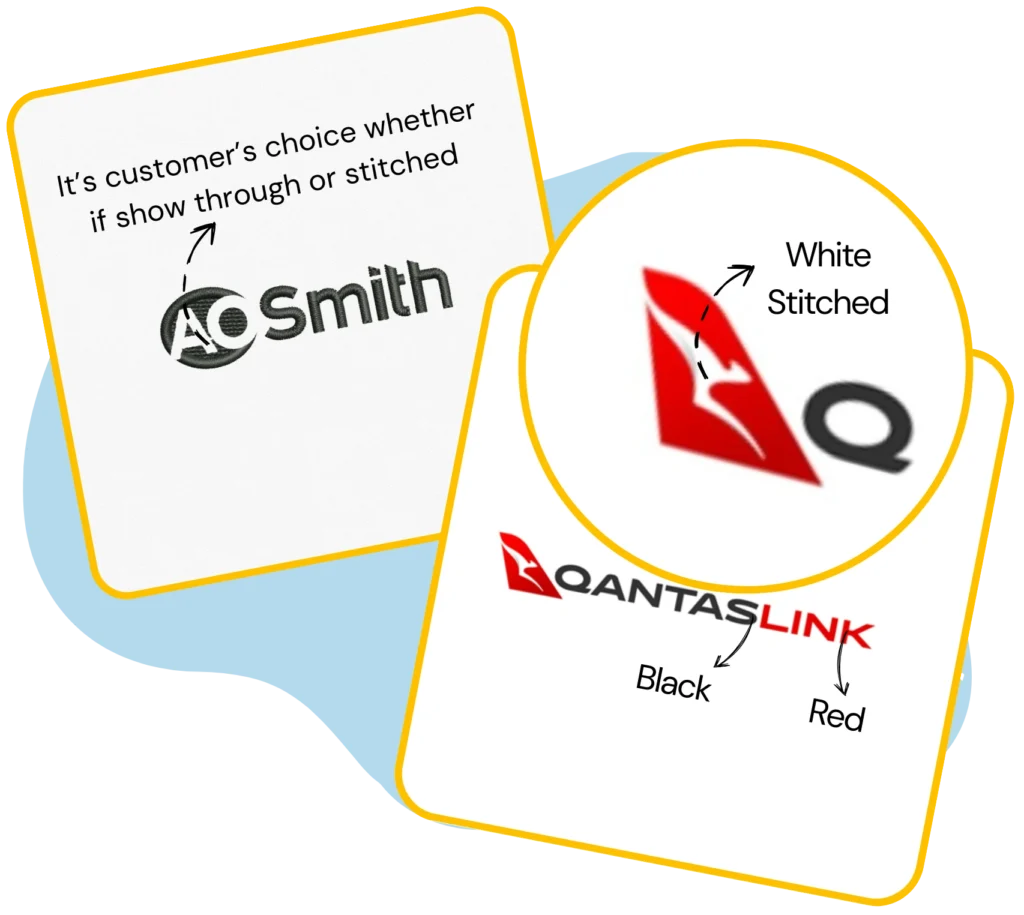
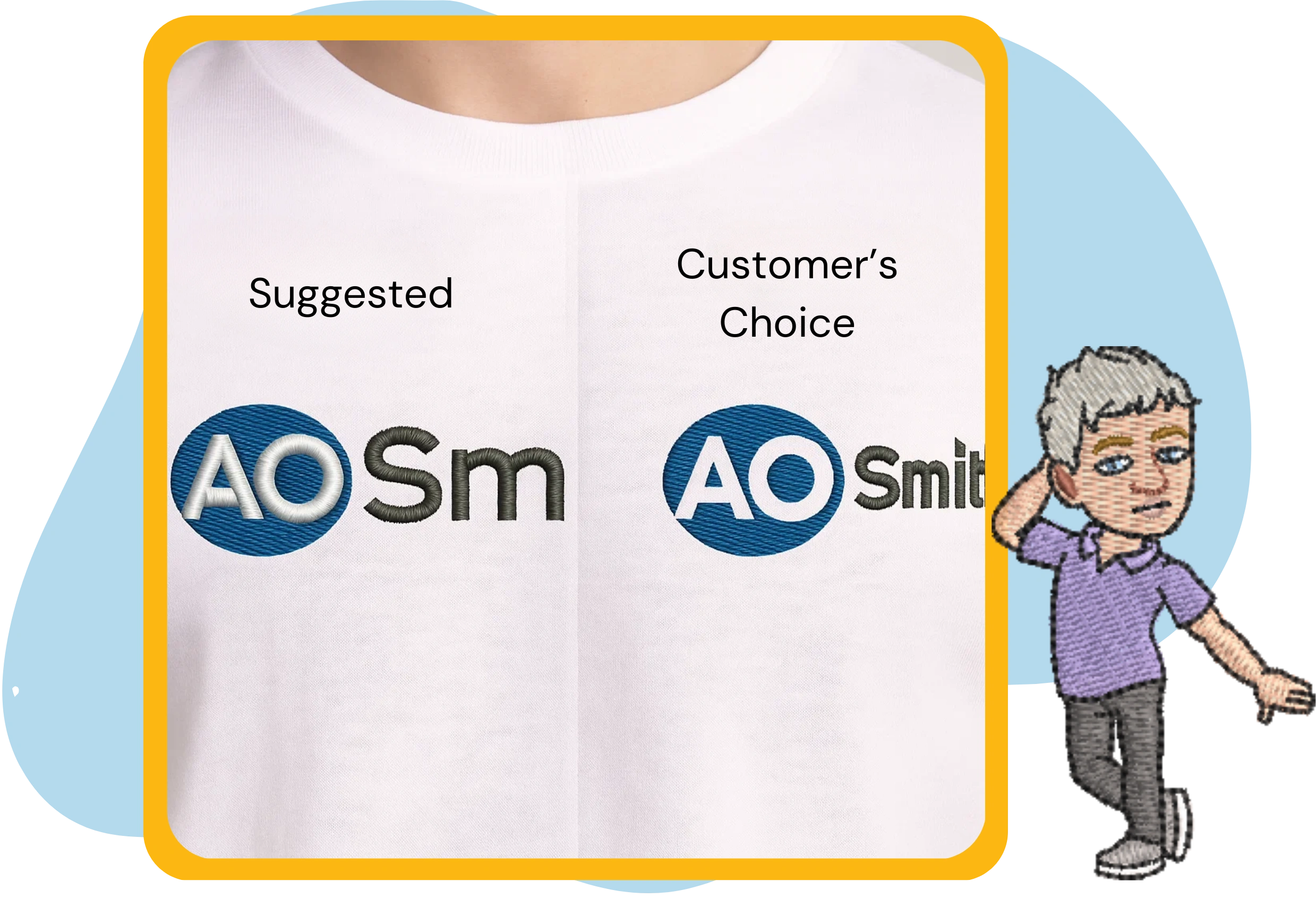
Not every print detail can be stitched exactly.Typicaladjustments include:
At Sign Digitizing, our team can enhance or clean artwork specifically for embroidery. We turn rough inputs into stitch-ready art and vectorize when needed so your DST is crisp and reliable
Every job passes a PRE-QC review by a senior digitizer: we assess art feasibility and decide whether to proceed, request clarification/approval, or suggest edits. This catches issues as soon as the artwork arrives not after the DST is created.
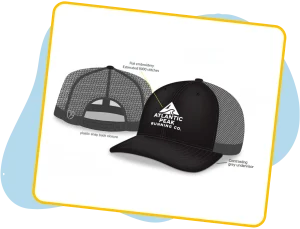
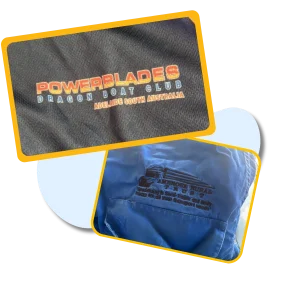
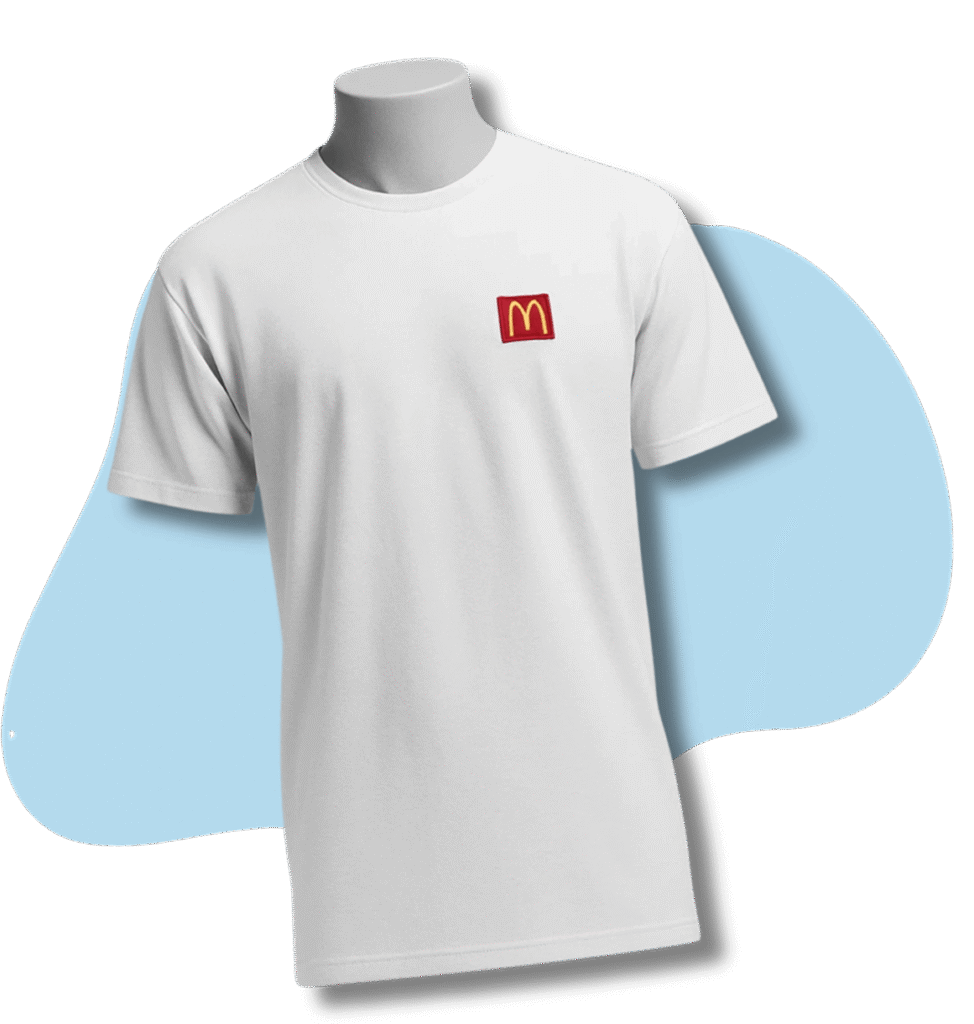
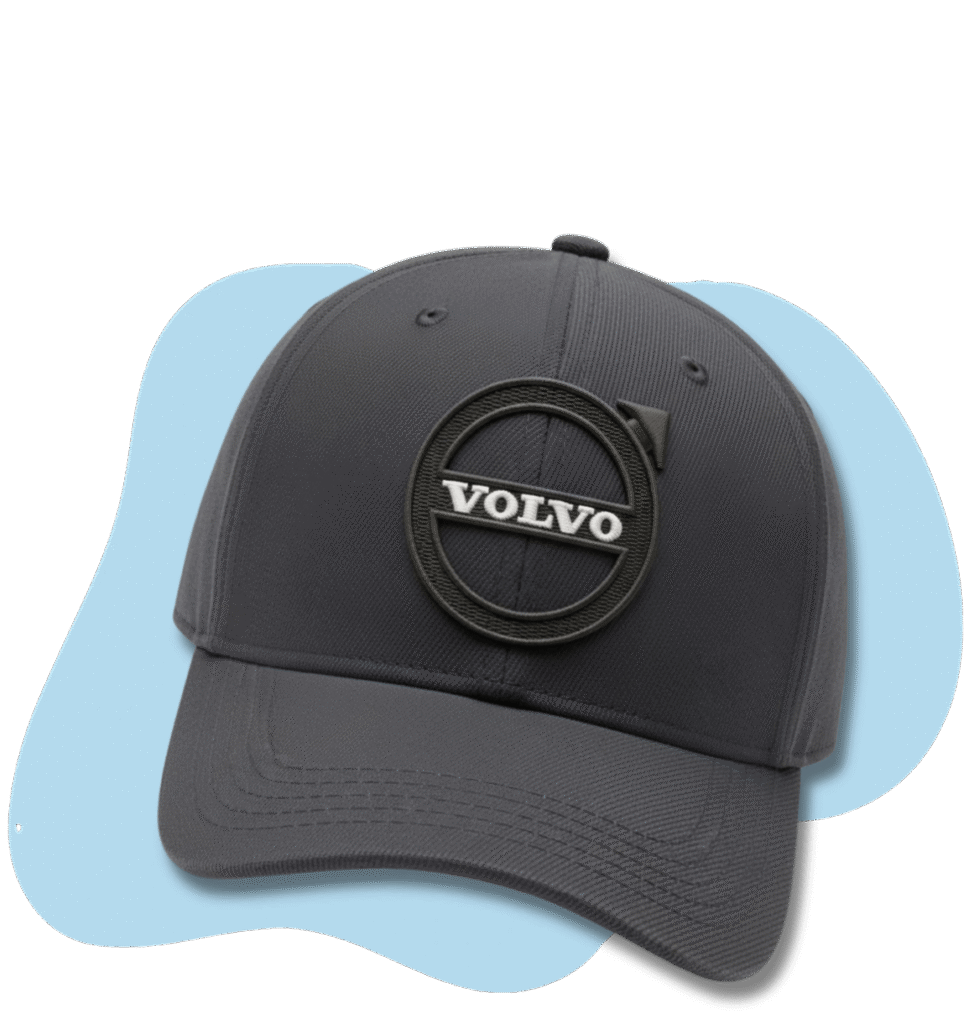
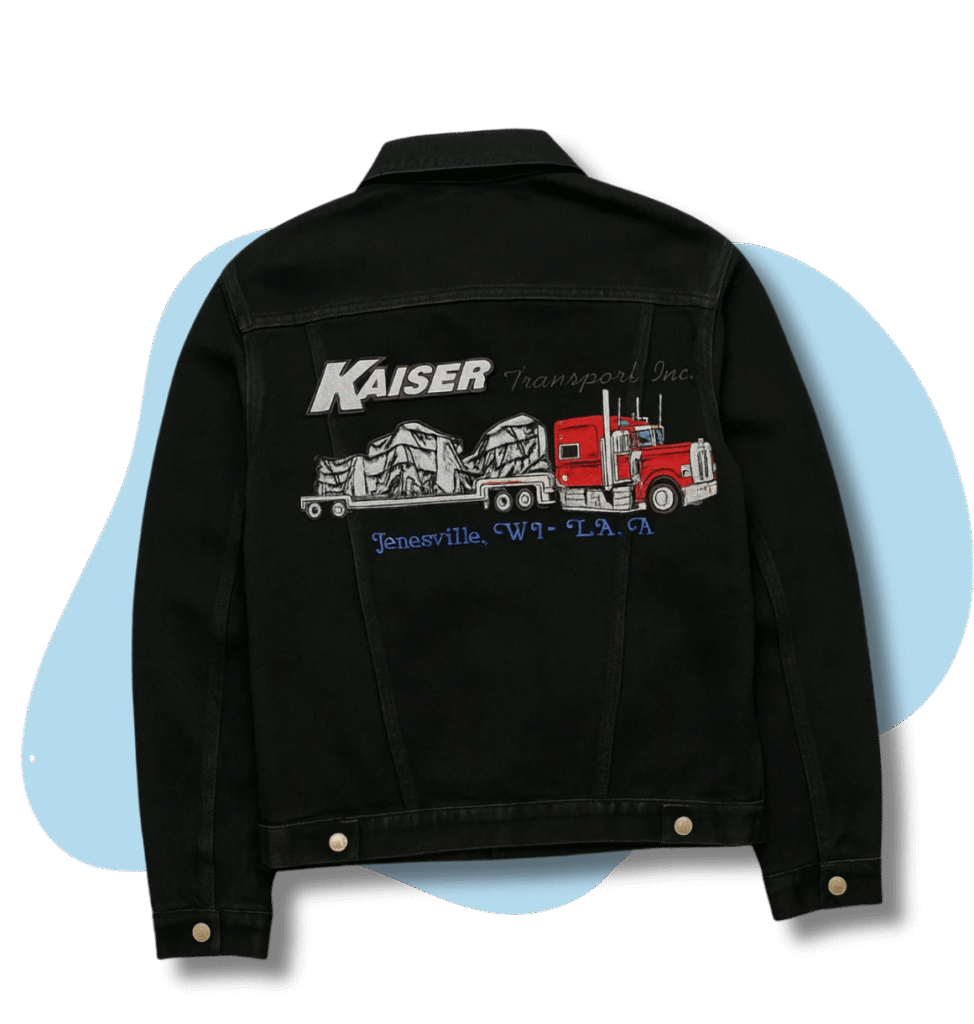
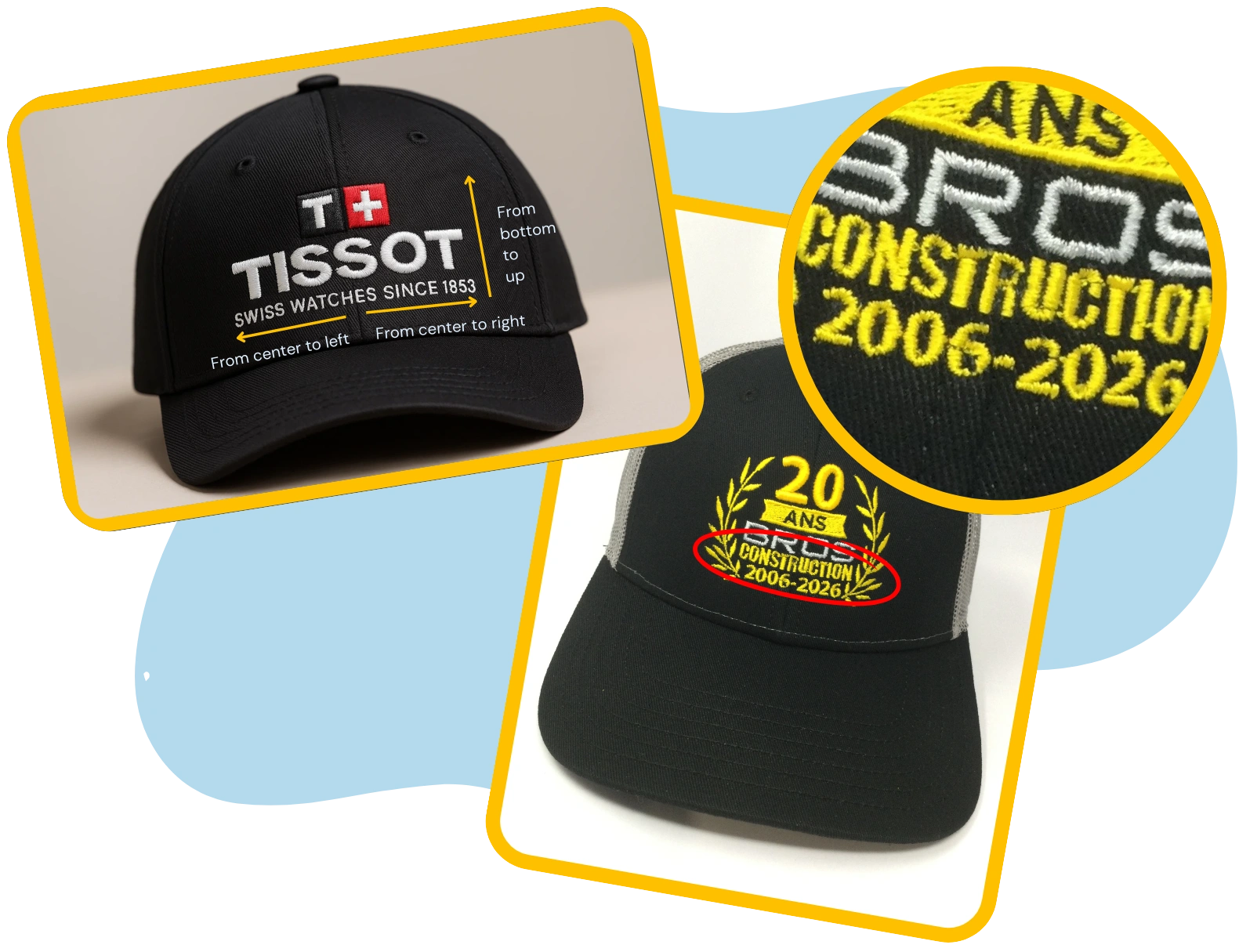
Digitizing is not one size fits for all. The same logo behaves very differently at 3.25″ left chest vs 10″
jacket back vs cap front
At Sign Digitizing, our team can enhance or clean artwork specifically for embroidery. We turn rough inputs into stitch-ready art and vectorize when needed so your DST is crisp and reliable
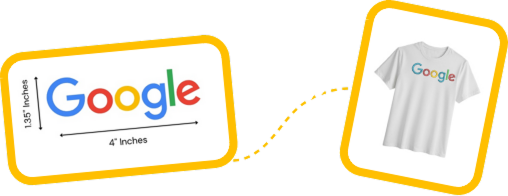
Give one dimension (e.g., “ 3.25” wide for left chest”) and we’ll preserve aspect ratio.If you provide both width and height that don’t match the original ratio, we’ll default to proportional scaling and note the resulting other dimension.
Example A (wide logo):
Request: “ 4” wide × 2″ high.”
If the logo’s true ratio makes 4″ wide = 1.35″ high, we’ll keep 4.5″ × 1.35″
(not 4″ × 2″) to avoid stretching.
Example B (height-only request on a very wide mark):
Request: “ 2” high left chest.”
Proportional width might become 10+” (too wide for chest). We’ll
recommend a width-first size (e.g., 3.25″–3.5″ wide) and adjust height
accordingly
.
Minor resizing up to 5–10% doesn’t need re-digitizing. Beyond that— especially detailed logos—fresh digitizing is safer.
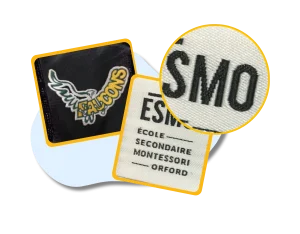
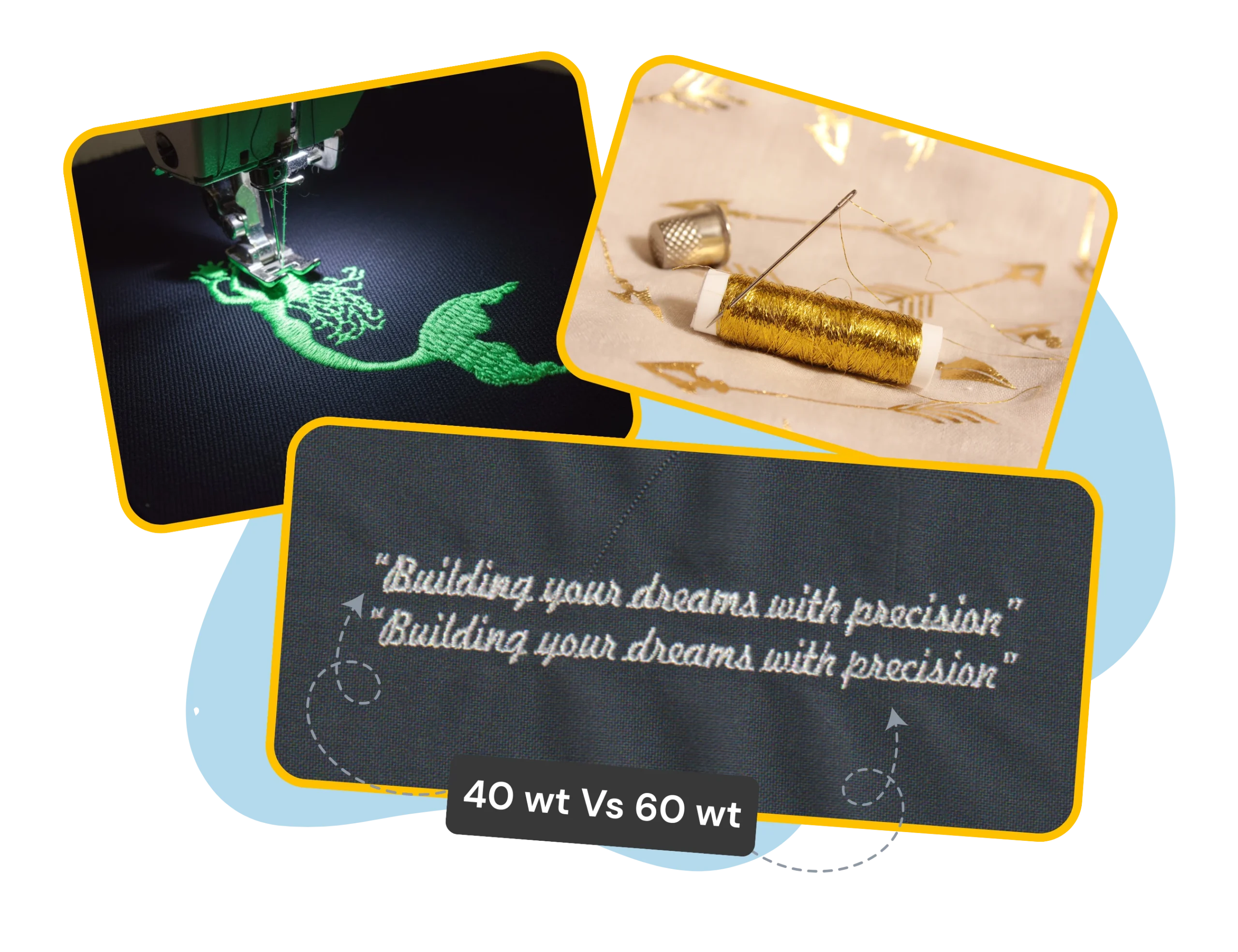
Letters under 5 mm height are risky with standard 40 wt threads.
For micro text, we can consider 60 wt and adjust the stitch type but size/location may still limit readability. Long taglines at chest/cap size often need stacking or simplification.
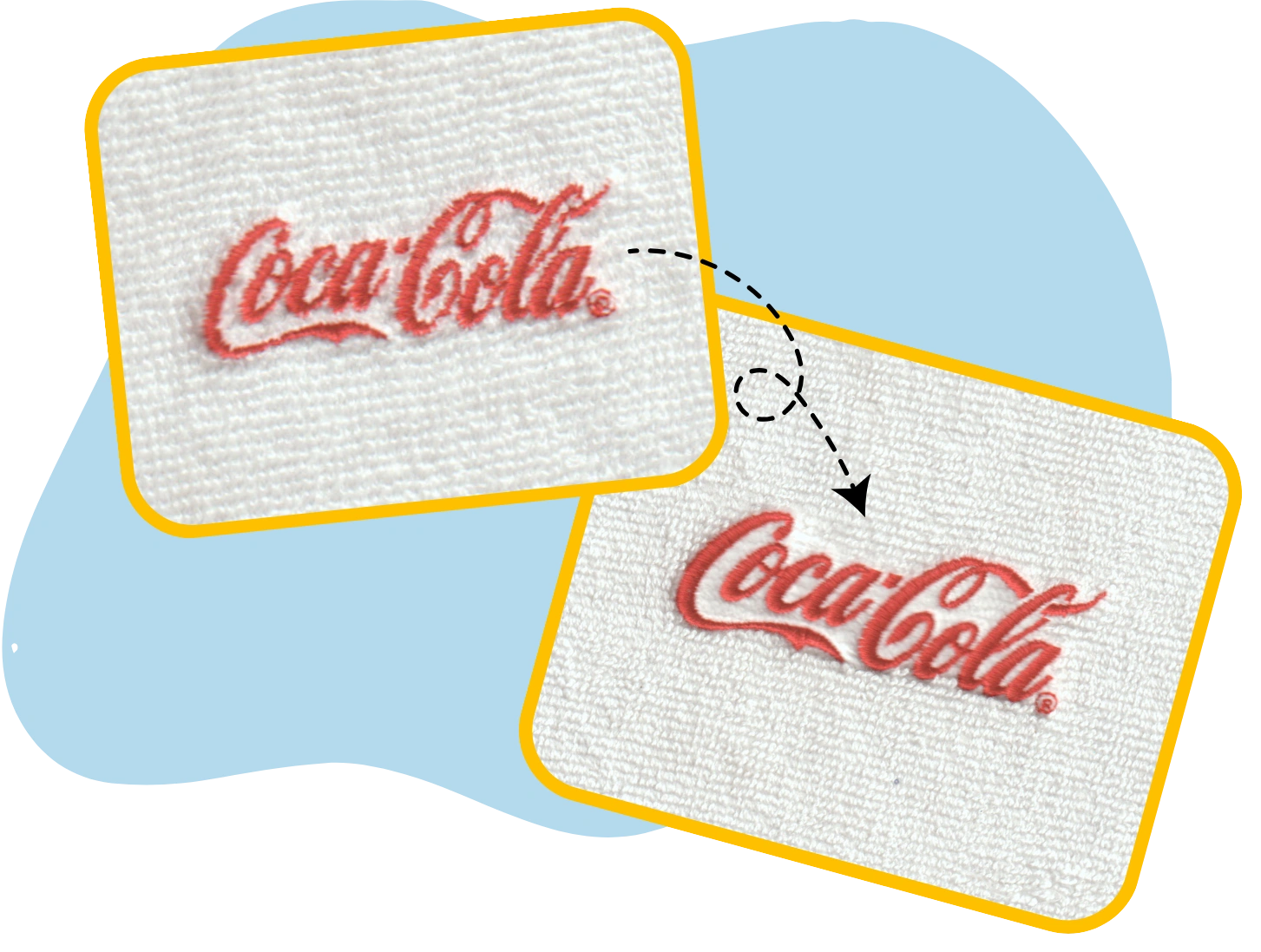
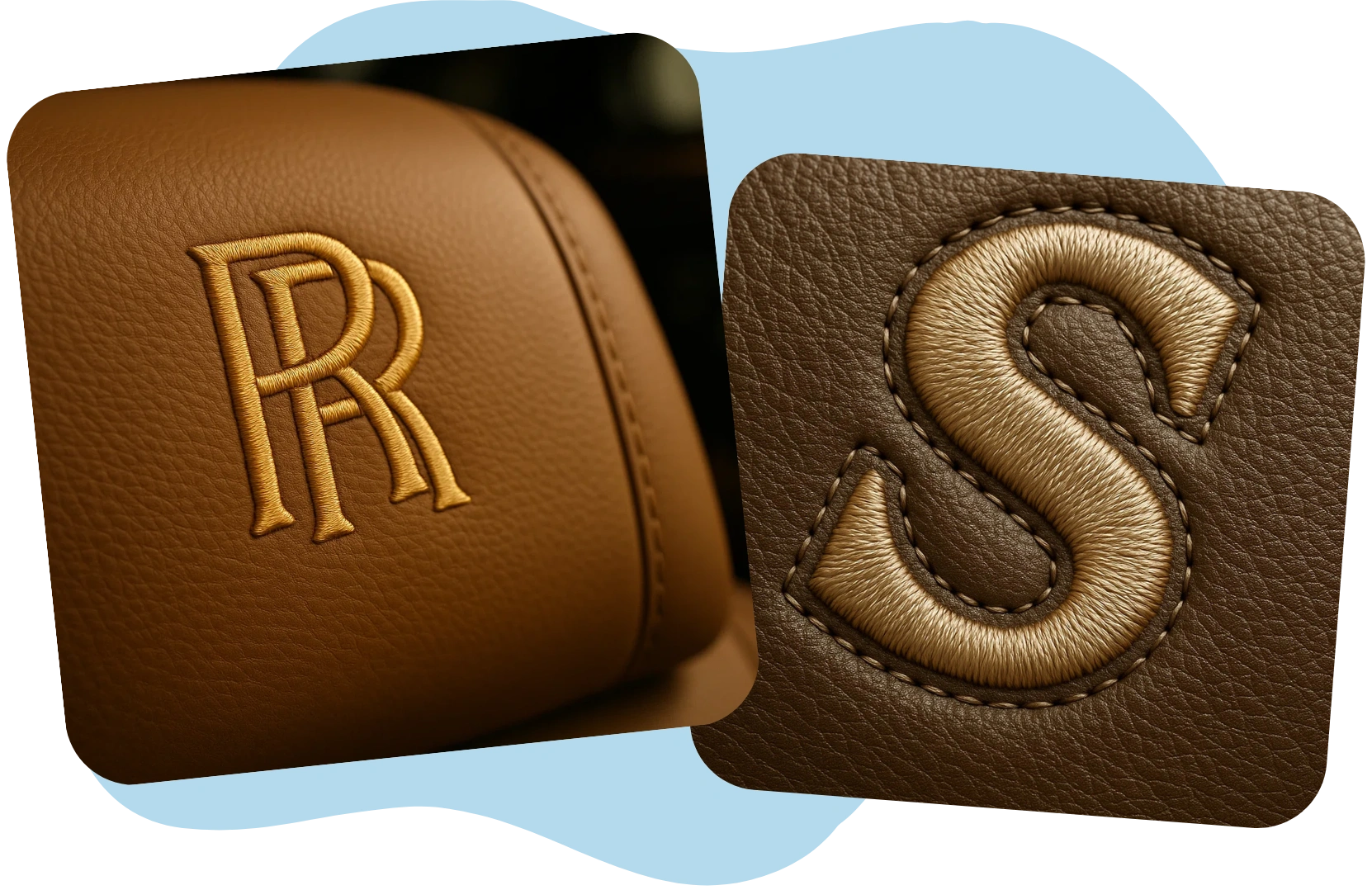
The same digitized file behaves differently on different materials due to push–pull, stretch, pile/texture, surface curve, and seams. Telling us the exact garment/fabric lets u s set the right underlay, density, pull- compensation, stitch direction, sequencing, and advise on the right stabilizer/topping—so the logo sews cleanly the first time.
Myth: “One DST works everywhere.”
Fact: A file optimized for caps won’t sew the same on piquepolos or towels. We tailor density, underlay, pull-compensation, sequencing, and topping per fabric and placement.
If you share all planned garments up front, we can deliver the right variants (e.g., Cap Front, Left Chest – Pique, Towel). That’s the fastest way to get the digitizing approved at first.
Myth: “One DST works everywhere.”
Fact:Thread sheen changes color appearance; exact match rarely exists.
Myth: Adding colors doesn’t impact run-time.
Fact: Each color adds trims + machine stops.
Fact: Pantone colors cannot be matched 100% because thread sheen changes appearance.
Stitch preference (Satin vs Fill, Borders on/off.)
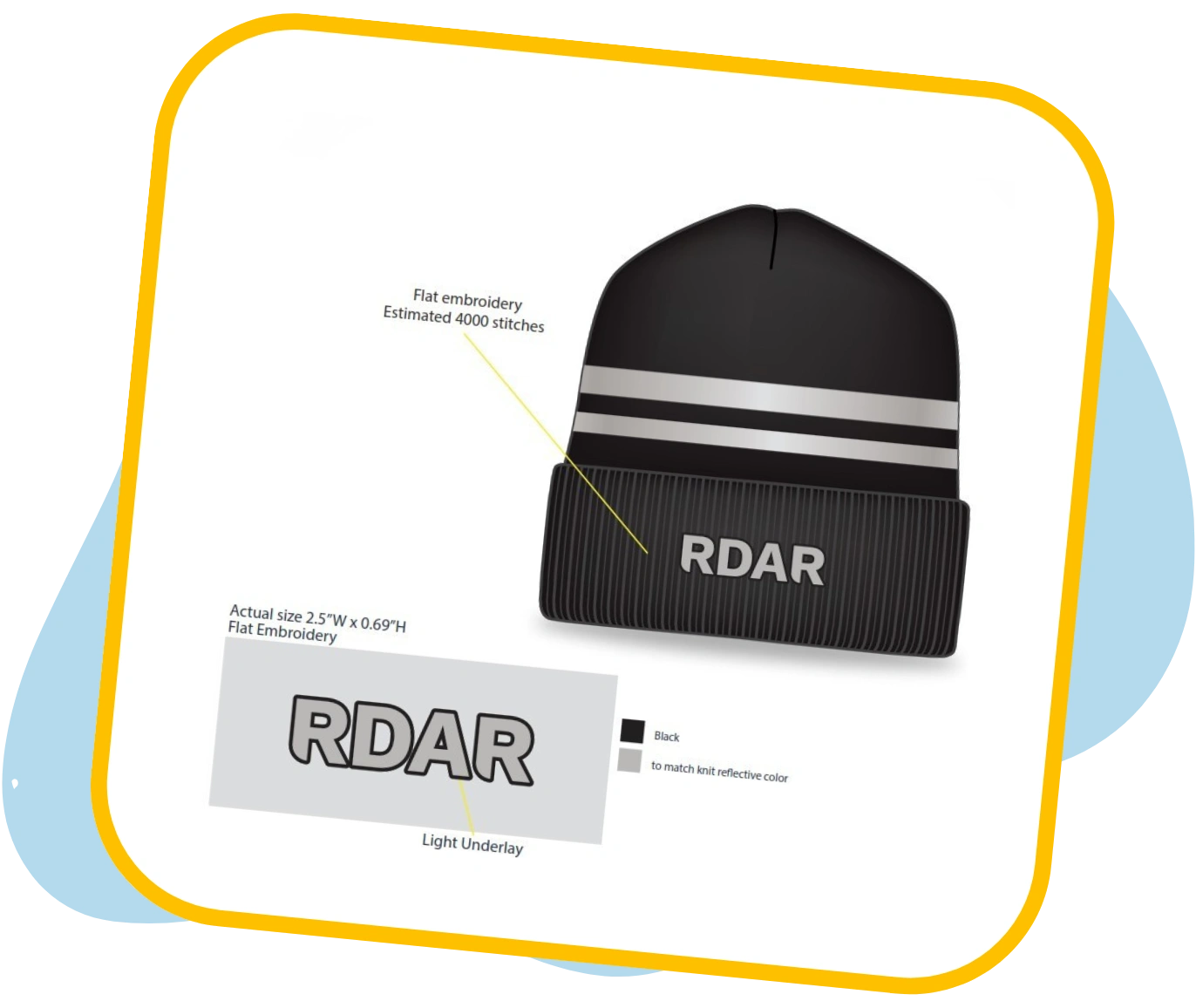
Decoration method (Flat, 3D puff, Appliqué / Patch, etc.)
Simplification rules (Simplified / Removed)
Stabilizer/topping (Tear-away / Cut-away / Wash-away)
Machine & Format details (DST/EMB/EXP/PES/)
Colorways (Dark vs Light)
Production Quantity (Trim applications depend on quantities)
Trim Preference (Save Run Time)
Special threads (Metallic, Glow, Fluorescent, etc.)

If you share the Primary details and any Secondary details available we’ll deliver a stitch ready file that sews correctly on the first pass, minimizing or eliminating revisions.
Even with the best digitizing, embroidery results can vary depending on fabric type, thread quality, needle size, hooping, and machine settings. Embroidery isn’t like print. In some cases, a machine test is the smartest way to fix the right settings. At Sign Digitizing, when a test run is needed, we produce a sew-out under the matching sewing conditions and share our sewout file, so we can spot and resolve any issues immediately.
Faster turnaround: no back-and-forth for missing info.
Consistent quality: settings tuned to your fabric, placement, and colours.
Zero surprises: our PRE-QC flags anything unusual before digitizing
At signdigitizing, We revise and refine your files until they’re just right for you and for your machines.